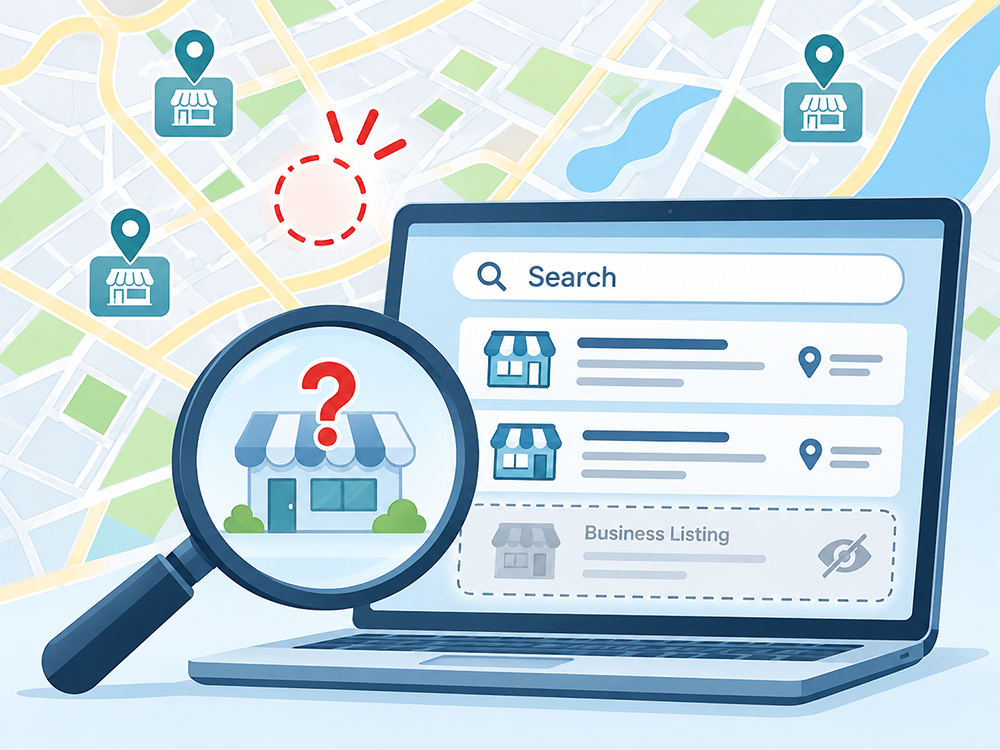
Not appearing on Google does not always mean something is broken
You've created a website, added your business information online and perhaps claimed a Google Business Profile. But when you search for your services, you can't find your business. That can be frustrating, especially when competitors seem to appear everywhere.
First, identify what is missing. Your website appearing in regular Google Search results and your Google Business Profile appearing on Google Maps are related, but different. Each can have its own visibility problems.
1. Your Google Business Profile is not verified
A Google Business Profile helps eligible businesses manage information displayed on Google Search and Maps, including hours, contact details, services and reviews. Google requires verification for a business to show its Business Profile information publicly.
Sign in to the Google Account associated with the business and check your profile's verification status. If you have not created or claimed a profile, start with Google Business Profile. Creating and managing a profile is free.
2. Google has not indexed your website
A live website is not necessarily an indexed website. Google first has to discover and crawl a page, then decide whether to add it to its search index. A new website can take time to appear, and Google does not guarantee that every page will be indexed.
Other possible causes include a page marked noindex, an inaccessible page, technical errors or content Google chooses not to index. Google Search Console lets website owners inspect URLs, review indexing information and submit sitemaps. Submitting a sitemap or requesting indexing does not guarantee a result.
3. Your website does not clearly explain your services and locations
Imagine you run a painting business in Dutchess County. Your website says you provide reliable, professional work, but it never clearly says whether you handle interior painting, exterior painting or which areas you serve.
Describe your actual services and service areas in straightforward language. Give important pages descriptive titles and headings. You do not need to repeat town names or keywords unnaturally. The goal is to help visitors understand what you do and where you work.
Finding your business by its exact name is different from ranking for a search such as "electrician near me." Your business can appear for one search and not the other without being suspended or removed from Google.
4. Your Business Profile is missing important information
Google says local search rankings are mainly influenced by relevance, distance and prominence. Complete, accurate Business Profile information can help Google match a business with relevant searches, but it cannot guarantee a top position.
Review your primary business category, services, hours, contact information and other applicable details. Keep them accurate. Genuine reviews and relevant photos can also help potential clients evaluate a business. See Google's local ranking guidance for more information.
5. You are searching from a different location
Local search results depend partly on where the person searching is located. Someone in Poughkeepsie may see different businesses than someone in Hudson, even when typing the same search.
Listing several towns or counties as your service area does not guarantee that your Business Profile will appear in each one. Consider the location and wording of the search before deciding your business is missing.
6. Your Business Profile has a restriction
A suspended or disabled Business Profile may not appear publicly. If your business used to show up and then disappeared, check the Google Account that manages it for notices about verification or restrictions.
Follow Google's official instructions for resolving the issue. Do not create duplicate profiles to work around a suspension. Google explains how to find your business and check its visibility.
7. Your business appears, but not for the searches you expect
If you can find your business by its name but not by a general service search, that may be a ranking issue rather than an indexing or verification issue. Other nearby businesses may be more relevant or prominent for that particular search.
Start by making your website's content accurate and helpful, checking your Business Profile details and reviewing Search Console data where available. No legitimate service can promise a specific position in Google's unpaid results.
What should you check first?
- Search for your exact business name and town in Google Search and Google Maps.
- Check the verification and restriction status of your Google Business Profile.
- Use Search Console to inspect your website's main pages and indexing status.
- Make sure your site clearly names your services, towns and contact information.
- Review your Business Profile categories, hours and other business details.
- Remember that local results vary by search term and location.
For the official explanations, see how Google Search works and Google's local ranking guidance.
Need help with your Google setup?
Toohey Services offers one-time Google services for Search Console, Google Analytics and eligible Google Business Profile configuration under the applicable package. Search Console helps with website search visibility, Analytics measures website activity, and Business Profile manages your local business listing. They do different jobs.
Correct setup can help you identify problems and maintain accurate information, but it does not guarantee indexing, rankings, calls or new clients.